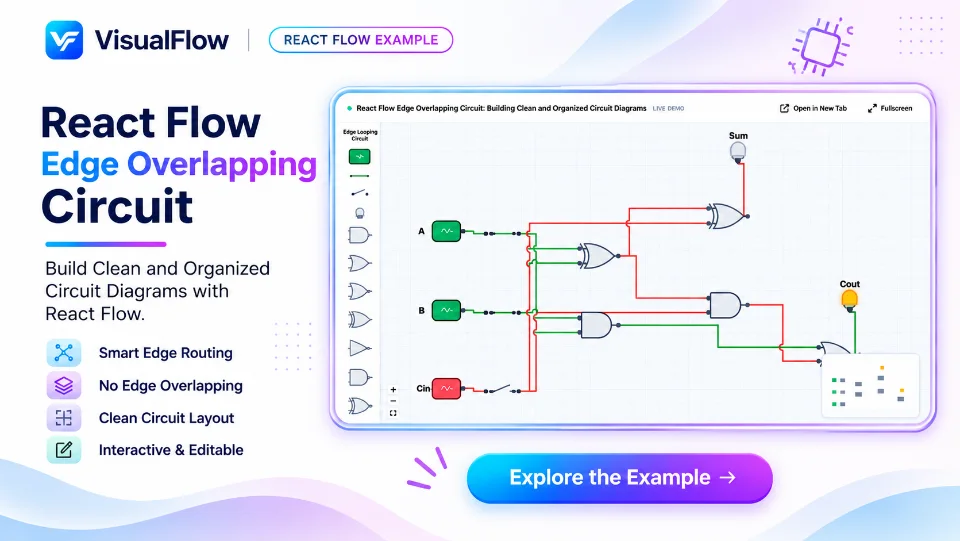
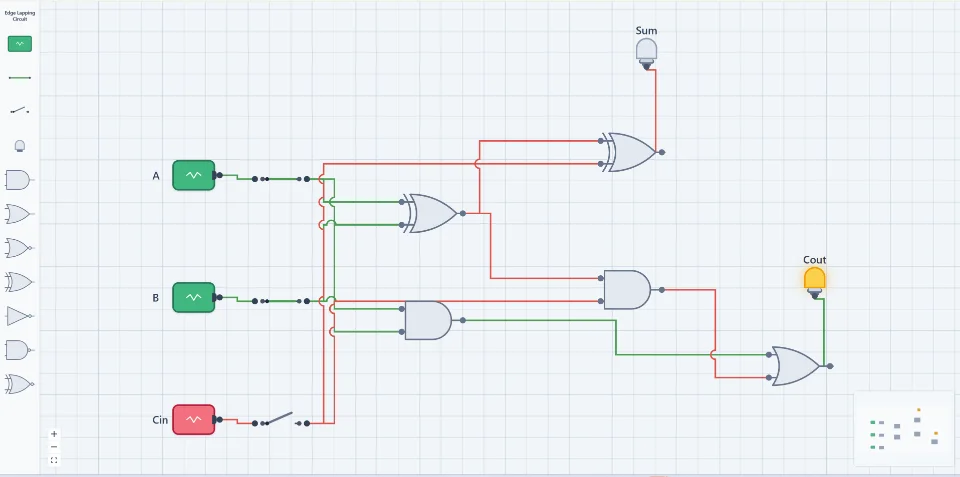
React Flow Edge Overlapping: How to Manage and Prevent Overlapping Edges
Edge overlapping is a common challenge when building workflow editors, node-based applications, and interactive diagrams with React Flow. As workflows become more complex, multiple edges may cross, overlap, or follow similar paths, making the diagram difficult to read and understand.
React Flow provides flexible edge customization and supports different routing techniques to help developers create cleaner and more organized node connections.
What Is Edge Overlapping in React Flow?
Edge overlapping occurs when multiple connections between nodes share the same path or cross each other in a way that reduces diagram readability.
For example, in a workflow builder, two different triggers may connect to separate process nodes. Their edges might cross each other or travel through the same area of the canvas.
This can make it difficult for users to understand the workflow direction and identify which nodes are connected.
How to Manage Edge Overlapping
There are several approaches developers can use to reduce edge overlapping in React Flow.
1. Use Custom Edge Routing
React Flow supports different edge types, including:
- Bezier edges
- Smooth Step edges
- Step edges
- Straight edges
Choosing the appropriate edge type can help connections follow more organized paths and reduce unnecessary intersections.
2. Use Automatic Layout Libraries
Layout libraries such as ELK.js and Dagre can help organize nodes and improve the overall structure of a workflow.
ELK.js is particularly useful for complex diagrams because it supports advanced layout algorithms and edge routing options.
3. Adjust Node Positions and Spacing
Sometimes, overlapping edges are caused by poorly positioned nodes. Increasing the horizontal and vertical spacing between nodes can provide more room for connections.
A well-organized node layout makes it easier to create clear connection paths.
4. Implement Custom Edge Components
For more advanced workflow editors, developers can create custom edge components using React Flow's edge API.
Custom edges allow developers to control:
- Connection paths
- Edge curves and bends
- Routing points
- Edge labels
- Arrow markers
- Connection styling
This provides greater flexibility when handling complex workflows with multiple connections.
Example: Managing Multiple Connections
Consider a deployment workflow where two different triggers, Push Code and Scheduled, connect to separate processing nodes. Both processing nodes then connect to a Quality Gate before reaching the final Deploy node.
Without proper edge routing, these connections may cross or overlap, making the workflow harder to follow.
By using appropriate edge types, custom routing, and proper node positioning, developers can create a cleaner workflow where each connection remains visually distinguishable.
Conclusion
Managing edge overlapping is important for creating professional and user-friendly workflow editors with React Flow.
Combining custom edge components, automatic layout libraries like ELK.js, and proper node spacing can significantly improve diagram readability.
Whether you are building a workflow automation tool, a pipeline editor, a mind map, or a visual programming interface, proper edge routing helps users understand complex connections more easily.
 VisualFlow