 VisualFlow
React Flow Canvas Flow Builder: Create, Draw, and Customize Your Diagrams Visually
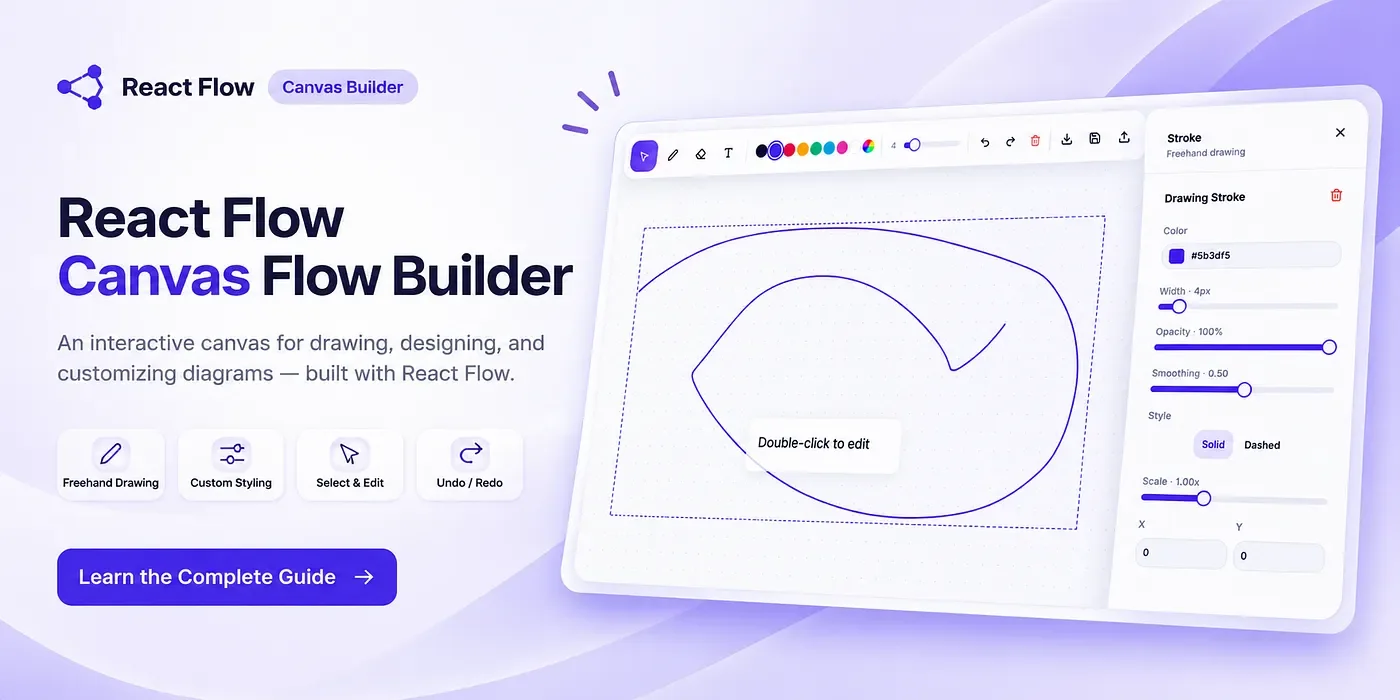
Visual diagramming is transforming the way developers design workflows, map complex systems, and build interactive applications. With React Flow (XYFlow), you can create a powerful Canvas Flow Builder that allows users to draw, connect, customize, and manage diagrams through an intuitive visual interface.
Whether you're building a workflow automation tool, a system architecture designer, or a custom diagram editor, React Flow provides the flexibility and functionality to bring your ideas to life.
What Is a React Flow Canvas Flow Builder?
A React Flow Canvas Flow Builder is an interactive visual editor where users can create diagrams by placing nodes on a canvas and connecting them with edges.
Instead of writing complex code to define relationships between components, users can visually construct workflows using drag-and-drop interactions.
React Flow makes this possible through its customizable node-based architecture, interactive canvas, and powerful event-handling capabilities.
Key Features of a React Flow Canvas Flow Builder
1. Interactive Canvas and Drag-and-Drop
React Flow provides an intuitive canvas where users can freely position nodes, move elements, and organize their diagrams.
Its built-in zooming, panning, selection, and dragging functionality creates a smooth experience for designing complex visual workflows.
- Custom Nodes and Edges
One of the biggest advantages of React Flow is its customization capability.
Developers can create unique nodes with:
-
Custom shapes, colors, and layouts
-
Input fields, buttons, and dropdowns
-
Multiple connection handles
-
Dynamic content and interactive elements
-
Custom edge styles and connection paths
This allows every diagram to match the application's specific requirements.
3. Visual Workflow Creation
A Canvas Flow Builder enables users to connect different nodes and establish relationships visually.
From simple flowcharts to complex decision-making systems, React Flow makes it easier to represent processes, logic, and data structures in an understandable format.
4. Real-Time Diagram Editing
React Flow supports dynamic updates to nodes and edges, allowing developers to build interactive editing experiences.
Users can modify node properties, create new connections, remove elements, and update diagrams without refreshing the application.
With proper state management, these changes can also be synchronized with a backend database.
5. Flexible and Scalable Architecture
React Flow integrates seamlessly with React, Next.js, TypeScript, and modern state management libraries.
Developers can extend their Canvas Flow Builder with features such as:
-
Undo and redo functionality
-
Auto-layout using ELK.js or Dagre
-
Export and import diagrams
-
Save and restore workflows
-
Custom controls and context menus
-
API integration and persistent storage
This flexibility makes React Flow suitable for both small projects and enterprise-level visual applications.
What Can You Build With React Flow?
The possibilities are extensive. A React Flow Canvas Flow Builder can be used to develop:
-
Workflow automation platforms
-
AI agent workflow editors
-
Business process management tools
-
Database schema designers
-
Interactive flowchart applications
-
Sequence diagram editors
-
System architecture visualization tools
-
Visual programming environments
Its flexibility allows developers to create specialized diagramming experiences rather than relying on predefined templates.
Why Choose React Flow for Visual Diagramming?
Unlike traditional diagramming tools with fixed structures, React Flow gives developers control over how their canvas behaves and how each element looks and functions.
Its React-first architecture, reusable components, and customization options make it an excellent choice for building modern visual editors.
For developers who want to create a unique, scalable, and interactive diagramming experience, React Flow offers the right foundation.
Conclusion
A React Flow Canvas Flow Builder combines the power of React with intuitive visual diagramming. From drag-and-drop node creation to advanced customization and interactive workflows, it provides everything developers need to build modern visual applications.
With React Flow, you are not just creating diagrams. You are building a flexible canvas where ideas, processes, and systems come together visually.
Explore React Flow. Create your canvas. Build your own visual workflow experience.