 VisualFlow
Why React Flow Is Better Than JointJS: Flexibility, Customization, and Modern Workflow Development
If your goal is to create a workflow builder, automation platform, AI agent editor, or any application where the canvas is central to the user experience, React Flow deserves serious consideration. The real advantage is not simply drawing nodes and connecting edges. It is having the freedom to turn those nodes and edges into almost anything your product needs.!
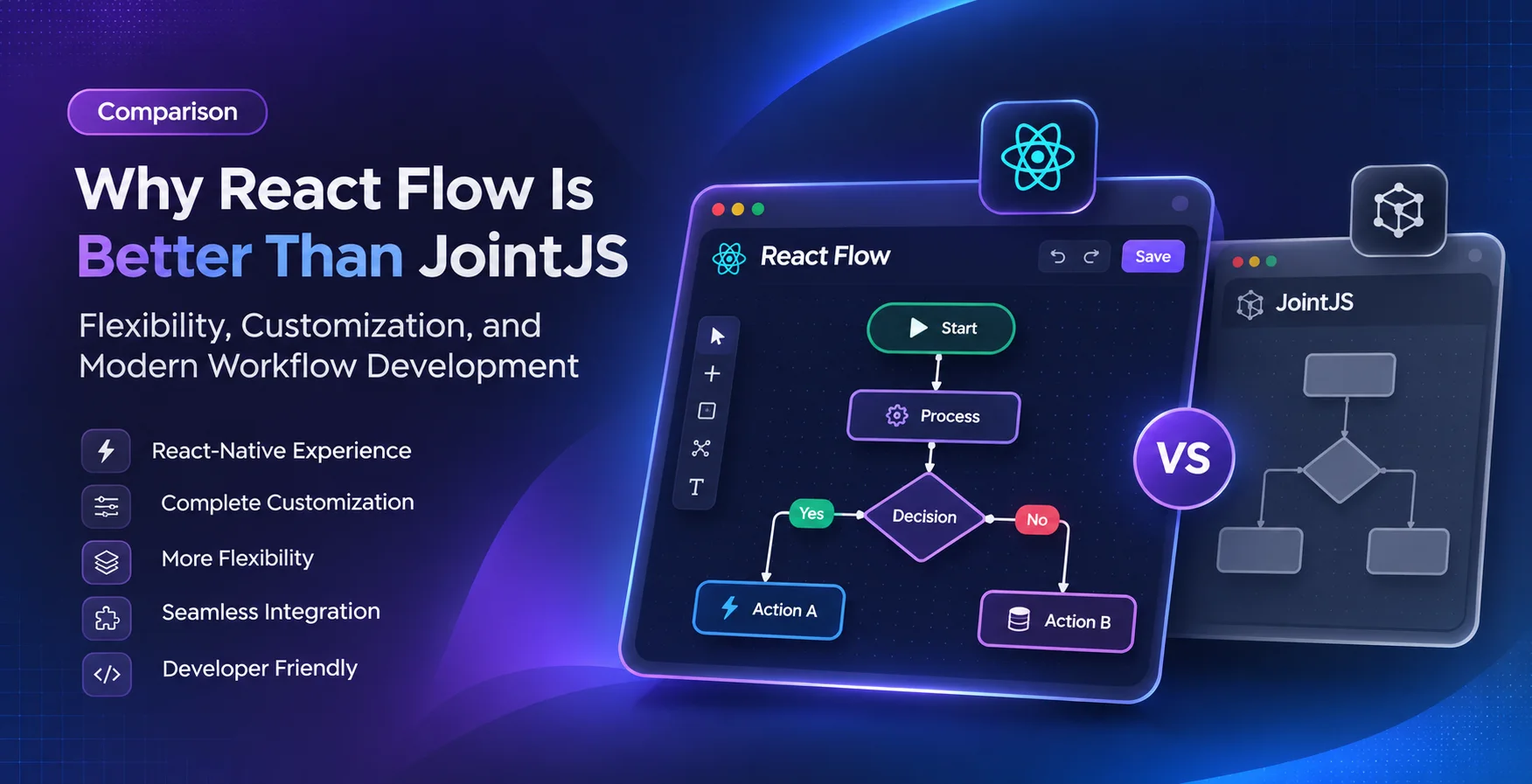
In the modern web development landscape, building interactive diagrams, workflow editors, and visual automation tools has become increasingly important. From designing complex system architectures to creating no-code platforms and automation builders, developers need libraries that offer both powerful functionality and creative freedom.
Two popular libraries in this space are React Flow (now part of XYFlow) and JointJS. Both provide the foundation for building interactive node-based applications, but when it comes to flexibility, developer experience, and seamless integration with modern React applications, React Flow stands out as a compelling choice.
Let's explore why.
1. React-Native React Experience
One of the biggest advantages of React Flow is its natural integration with React.
React Flow is designed specifically for React developers. Nodes, edges, handles, and interactive elements can be created using familiar React components.
This means developers can leverage:
- React Hooks and state management
- Component-based architecture
- Context API and custom hooks
- Third-party React libraries
- Modern TypeScript workflows
Unlike libraries that require developers to adapt to a separate rendering or object-oriented architecture, React Flow allows you to build your diagram editor using the same principles as the rest of your React application.
The result? A smoother development experience with less architectural overhead.
2. Complete Customization of Nodes and Edges
When building a visual editor, customization is not a luxury. It is a core requirement.
React Flow allows developers to create fully customized nodes using standard React components. You are not restricted to predefined shapes or limited styling options.
You can build:
- Interactive decision-making nodes
- AI agent nodes
- Database and API nodes
- Custom form-based nodes
- Complex workflow components
- Conditional branching elements
- Rich-text nodes with Tiptap
- Dynamic nodes with custom controls
Edges are equally flexible. Developers can implement custom SVG paths, animated connections, labels, markers, and interactive edge components.
This level of control makes React Flow suitable for building sophisticated products rather than just displaying diagrams.
3. A More Flexible Architecture for Complex Applications
React Flow gives developers direct control over nodes, edges, and their underlying data.
You can extend the architecture with your own business logic, data models, and interaction patterns.
For example, when building a workflow automation platform, you may need to:
- Validate connections between specific node types
- Create nodes dynamically based on user actions
- Update node data in real time
- Implement conditional workflows
- Save and restore entire workflow states
- Integrate with REST APIs, databases, and backend services
React Flow provides the foundation while allowing you to implement these requirements according to your application's architecture.
This is particularly valuable when developing SaaS products where the visual editor is a core feature.
4. Better Integration With the Modern React Ecosystem
React Flow works naturally with the tools React developers already use.
Whether you are using Next.js, Zustand, Redux, React Hook Form, Tailwind CSS, Material UI, or other React-based technologies, integrating them into your editor feels familiar.
Imagine building a node that contains a form, a rich-text editor, or a data visualization component. With React Flow, you can integrate these directly into your custom node components.
This flexibility allows developers to create feature-rich visual applications without fighting against the underlying library.
5. Powerful Layout Capabilities With External Libraries
React Flow does not force developers to use a single layout algorithm.
You can integrate powerful graph-layout engines such as:
- ELK.js — For advanced hierarchical and layered layouts
- Dagre — For directed graph layouts
- D3.js — For custom visualization and positioning logic
This is particularly useful for automatically arranging complex workflows, database schemas, organizational charts, and dependency graphs.
Developers can even build their own layout algorithms when the requirements demand it.
6. Developer Experience and Learning Curve
React Flow provides a developer-friendly API, extensive documentation, and an ecosystem of examples.
For React developers, getting started is straightforward because the library follows familiar component and state-management patterns.
JointJS is also a powerful and mature diagramming framework, but its broader framework architecture and concepts may introduce additional learning overhead for developers who primarily work with React.
React Flow allows developers to focus more on building product features and less on learning a separate rendering paradigm.
7. Open-Source Accessibility and Product Development
React Flow's core library is open source, making it an attractive option for startups, independent developers, and teams building commercial products.
Developers can get started without committing to a commercial license for core functionality.
XYFlow also offers additional Pro features and examples for teams that need advanced capabilities, helping developers accelerate development while maintaining flexibility.
For startups building workflow automation tools, visual programming environments, or SaaS products, this accessibility can make a meaningful difference.
8. Where React Flow Shines the Most
React Flow is particularly suitable for building:
| Use Case | Application |
|---|---|
| Workflow Automation | Visual automation builders |
| AI Applications | AI agent orchestration platforms |
| Database Tools | ER diagrams and schema designers |
| Developer Tools | API flow and system architecture editors |
| No-Code Platforms | Drag-and-drop application builders |
| Process Management | Business process modeling |
| Educational Tools | Interactive learning diagrams |
| SaaS Products | Custom visual editors |
Its flexibility makes it possible to transform a basic node-and-edge canvas into a complete, production-ready product experience.
React Flow vs. JointJS: A Quick Comparison
| Feature | React Flow | JointJS |
|---|---|---|
| React Integration | Native React approach | Framework-independent core |
| Custom React Nodes | Excellent | Possible, with integration |
| Custom UI Components | Highly flexible | Highly customizable |
| React Ecosystem | Seamless | Requires adaptation |
| State Management | React-controlled | Framework-specific patterns |
| Learning Curve for React Devs | Generally easier | Can be steeper |
| Advanced Graph Layouts | External engine integration | Built-in and extensible options |
| Core Availability | Open source | Open-source core + commercial offerings |
Note: Both libraries are capable solutions. The better choice ultimately depends on your project's requirements, architecture, and development team's experience.
Final Thoughts
React Flow is more than a diagramming library. It is a flexible foundation for building interactive visual applications.
Its React-first architecture, customizable components, extensible data model, and integration with modern frontend technologies make it an excellent choice for developers who want complete control over their visual editors.
While JointJS remains a strong option for general-purpose diagramming and enterprise-grade modeling, React Flow offers a particularly compelling developer experience for teams building modern, React-powered visual products.
If your goal is to create a workflow builder, automation platform, AI agent editor, or any application where the canvas is central to the user experience, React Flow deserves serious consideration.
The real advantage is not simply drawing nodes and connecting edges. It is having the freedom to turn those nodes and edges into almost anything your product needs.!