 VisualFlow
React Flow vs Visual Workflow Builder: Which Is More Suitable for SaaS?
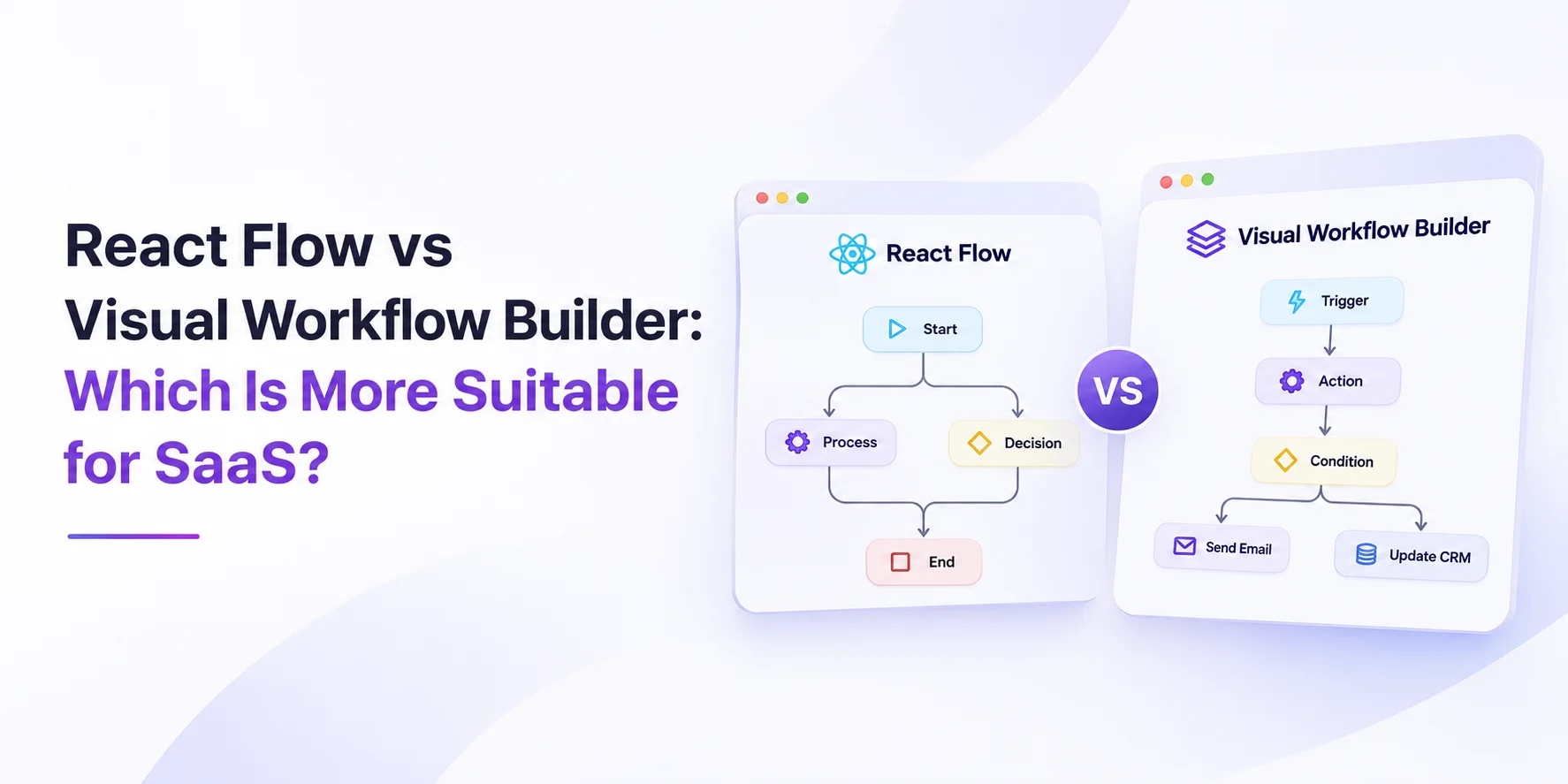
React Flow provides the foundation, while a Visual Workflow Builder provides additional tools to turn that foundation into a complete workflow-editing experience.
Choosing the right visual workflow technology is an important architectural decision when building a modern SaaS product. Whether you're developing an automation platform, CRM, marketing automation tool, AI workflow application, or business process management system, the visual editor directly impacts user experience, development time, scalability, and long-term maintenance.
Two popular approaches developers consider are React Flow and a Visual Workflow Builder.
Both allow developers to create interactive, node-based workflow experiences. However, they serve different purposes. React Flow provides the foundational building blocks for creating custom visual interfaces, while a dedicated workflow builder provides additional functionality designed for production-ready workflow editing.
So, which one should you choose for your SaaS application?
Let's explore the differences, features, advantages, limitations, and ideal use cases of each approach.
1. What Is React Flow?
React Flow is an open-source React library for building interactive node-based interfaces. It allows developers to create flowcharts, workflow diagrams, visual programming tools, mind maps, automation editors, and other canvas-based applications.
React Flow provides the essential canvas functionality developers need to build a visual editor.
Key features include:
- Interactive canvas with pan and zoom.
- Custom node and edge components.
- Drag-and-drop node positioning.
- Connections between nodes.
- Node selection and deletion.
- Custom handles and connection logic.
- Minimap and background components.
- Flexible React-based customization.
One of React Flow's biggest advantages is its flexibility. Developers can design almost any node-based experience using React components.
However, React Flow is primarily a visualization library. Building a complete workflow editor requires additional engineering.
For example, developers may need to implement edge routing, automatic layouts, node configuration panels, workflow validation, execution-state visualization, and a consistent design system independently.
Best suited for: Developers who want complete control over their canvas architecture and are comfortable building workflow-specific functionality themselves.
2. What Is a Visual Workflow Builder?
A Visual Workflow Builder is a more complete solution for creating, editing, and managing workflows through a graphical interface.
Instead of starting with basic canvas functionality, developers can use a dedicated SDK that provides additional workflow-editing capabilities.
A production-oriented workflow builder may include:
- Automatic edge routing.
- Intelligent workflow auto-layout.
- Schema-driven node configuration.
- Built-in validation.
- Customizable design systems.
- Workflow execution visualization.
- Reusable workflow components.
- Framework integration options.
For example, Workflow Builder is built on top of React Flow. It adds production-oriented workflow editing capabilities while retaining React Flow's underlying canvas technology.
This means developers can benefit from React Flow's foundation without implementing every advanced workflow feature from scratch.
Best suited for: SaaS companies that want to embed a production-ready workflow editor into their applications without spending months developing the entire editing infrastructure.
3. React Flow vs Visual Workflow Builder: Key Differences
The most important difference is the level of abstraction.
React Flow provides the foundation, while a Visual Workflow Builder provides additional tools to turn that foundation into a complete workflow-editing experience.
| Feature | React Flow | Visual Workflow Builder |
|---|---|---|
| Interactive canvas | Built-in | Built-in |
| Custom nodes | Built-in | Supported |
| Drag and drop | Built-in | Built-in |
| Custom edges | Built-in | Supported |
| Advanced edge routing | Requires implementation | Available in supported SDKs |
| Automatic layout | External integration | Integrated in supported SDKs |
| Node configuration | Custom development | Schema-driven options |
| Workflow validation | Custom development | Built-in primitives |
| Design system | Custom styling | Design tokens |
| Execution visualization | Custom development | Available through plugins |
| Customization | Very high | Depends on SDK |
| Development effort | Higher | Lower for workflow-specific features |
The actual feature set depends on the specific workflow builder SDK you choose. Not every visual builder includes all these capabilities.
4. Which Is Better for Different SaaS Products?
The best choice depends on the type of SaaS product you're developing.
Let's look at some practical examples.
A. CRM and Lead Management SaaS
CRM platforms often require workflow automation to manage customer journeys, lead assignments, follow-ups, notifications, and sales pipeline transitions.
For example, a user might create a workflow like:
- A new lead enters the CRM.
- The system checks the lead's information.
- An AI agent sends an introductory message.
- The system waits for a response.
- A condition checks whether the lead responds.
- The lead is assigned to a sales representative.
A visual workflow editor makes these processes easier to understand and modify.
Recommendation: A Visual Workflow Builder is a strong choice when the workflow editor is a core customer-facing feature. React Flow is suitable when the workflow interactions are highly specialized.
B. Marketing Automation SaaS
Marketing automation platforms need visual tools for building email sequences, customer segmentation, campaign triggers, conditional branches, and scheduled activities.
A workflow editor should support complex connections and readable diagrams.
For example:
- Customer subscribes.
- Send welcome email.
- Wait three days.
- Check email engagement.
- If opened, send another campaign.
- If not opened, trigger a reminder.
As workflows become more complex, automatic layout and intelligent edge routing become increasingly valuable.
Recommendation: A Visual Workflow Builder is particularly useful for SaaS marketing platforms where customers regularly create and manage complex automation sequences.
C. AI Workflow and Agent Builder
AI-powered SaaS products increasingly allow users to connect LLMs, APIs, databases, tools, and conditional logic through visual interfaces.
An AI workflow editor may contain:
- LLM nodes.
- API request nodes.
- Agent nodes.
- Database nodes.
- Conditional nodes.
- Input and output nodes.
- Human approval nodes.
These workflows can become difficult to manage when multiple branches and dependencies are involved.
A production-oriented workflow SDK can reduce the engineering effort required for visual editing, validation, and configuration.
Recommendation: Consider a Visual Workflow Builder when you need a complete, embeddable workflow editor. Choose React Flow when you're developing a highly customized AI visual programming environment.
D. Diagramming and Mind Mapping SaaS
Not every node-based application is a workflow automation platform.
Some SaaS applications focus on:
- Mind mapping.
- Architecture diagrams.
- Organizational charts.
- Data visualization.
- Concept mapping.
- Interactive whiteboards.
These applications may not require workflow validation, execution states, or schema-driven node configuration.
Recommendation: React Flow is generally the better starting point because it offers flexibility without imposing workflow-specific abstractions.
5. Development Time: Build Everything vs Use an SDK
One of the biggest considerations for SaaS companies is development time.
React Flow provides the canvas, but your engineering team must build the additional functionality required by your product.
For example, a production workflow editor may require:
| Development requirement | React Flow | Workflow Builder SDK |
|---|---|---|
| Canvas integration | Required | Included |
| Custom node development | Required | Supported |
| Edge routing | Additional work | Included in supported SDK |
| Auto-layout | Additional integration | Integrated |
| Configuration panels | Custom implementation | Schema-driven |
| Validation | Custom implementation | Built-in primitives |
| Design customization | Custom implementation | Design system |
| Maintenance | Your responsibility | Shared with SDK vendor, depending on license |
According to the supplied Workflow Builder comparison, developing the additional abstraction layer around React Flow can take approximately 14–25 weeks, while SDK integration may take approximately 1–4 weeks.
These are estimates from the Workflow Builder source, not universal development benchmarks. Actual timelines depend on the scope, team experience, and required features.
The key takeaway is that building the canvas is only one part of developing a production-ready workflow editor.
6. Total Cost of Ownership: Which Is More Affordable?
At first glance, React Flow appears to be the more affordable option because it is open-source and MIT-licensed.
However, SaaS companies should consider more than licensing costs.
They should also calculate:
- Initial development expenses.
- Frontend engineering hours.
- UI/UX design costs.
- Maintenance expenses.
- Feature development time.
- Integration complexity.
- Long-term technical debt.
The supplied comparison provides the following estimates:
| Cost factor | React Flow + Custom Development | Workflow Builder Enterprise |
|---|---|---|
| License | $289/m | $49/m one-time |
| Initial engineering | 700+ hours | Included components |
| Initial design | 300+ hours | Included design system and Figma Kit |
| Development timeline | 14–25 weeks | 1–4 weeks integration |
| Maintenance | Your responsibility | Covered under stated license terms |
These figures reflect the supplied comparison's assumptions and should not be treated as independent market-wide pricing benchmarks.
React Flow wins when minimizing direct licensing expenses is the priority.
A commercial workflow SDK may offer better overall economics when engineering time, maintenance, and time-to-market are important.
7. Customization and Scalability
Customization is particularly important for SaaS products because the visual editor should feel like a natural part of the application.
React Flow
React Flow gives developers extensive control over:
- Node design.
- Edge appearance.
- Connection behavior.
- Canvas interactions.
- Custom components.
- Application-specific logic.
You can build a completely unique visual editor using your existing React architecture.
The trade-off is that your team must maintain more of the functionality.
Visual Workflow Builder
A dedicated workflow SDK can provide a structured foundation for customization.
For example, Workflow Builder includes the Axioma design system, which uses design tokens to customize the editor's appearance.
It also provides schema-driven configuration panels, reducing the need to create individual configuration interfaces for every node type.
However, developers should evaluate the SDK's extension points, licensing, customization limitations, and integration architecture before choosing it.
8. Performance and Complex Workflow Management
As a SaaS product grows, users may create workflows containing dozens or hundreds of nodes and connections.
At this stage, maintaining readability becomes increasingly important.
Consider the following challenges:
- Overlapping edges.
- Complex conditional branches.
- Large workflow structures.
- Disconnected nodes.
- Difficult node positioning.
- Configuration errors.
React Flow provides the underlying canvas and rendering capabilities, but additional functionality may be needed to address these challenges.
A dedicated workflow builder can provide integrated solutions such as:
Automatic edge routing: Routes connections around nodes to improve readability.
Auto-layout: Automatically organizes nodes into a structured layout.
Structural validation: Helps identify disconnected nodes, missing connections, and invalid configurations.
Execution visualization: Allows users to understand which workflow steps are running, completed, failed, or skipped.
These capabilities become particularly useful when your SaaS platform allows customers to create complex automations independently.
9. Advantages and Disadvantages
React Flow
Advantages
- Open-source and MIT-licensed.
- Large React ecosystem.
- Highly customizable.
- Complete control over architecture.
- Suitable for many types of node-based applications.
- No mandatory commercial SDK license.
Disadvantages
- Requires additional workflow-specific development.
- Advanced edge routing needs additional implementation.
- Auto-layout requires external integration.
- Configuration panels need to be developed.
- Validation logic is your responsibility.
- Long-term maintenance can become expensive.
Visual Workflow Builder
Advantages
- Faster implementation of workflow-specific functionality.
- Integrated edge routing and auto-layout in supported SDKs.
- Schema-driven node configuration.
- Workflow validation capabilities.
- Design system integration.
- Execution visualization options.
- Reduced need to build infrastructure from scratch.
Disadvantages
- May involve commercial licensing fees.
- Customization depends on SDK capabilities.
- Introduces an additional dependency.
- Requires evaluating vendor support and long-term compatibility.
- May be unnecessary for simple diagramming applications.
10. How to Choose the Right SDK for Your SaaS?
Before selecting a solution, consider the following decision framework.
| Your requirement | Recommended approach |
|---|---|
| Building a custom diagramming application | React Flow |
| Developing a mind mapping tool | React Flow |
| Creating a customer-facing automation editor | Visual Workflow Builder |
| Building an AI agent workflow platform | Either, depending on requirements |
| Developing a CRM automation system | Visual Workflow Builder |
| Building a simple internal workflow prototype | React Flow |
| Requiring complete canvas-level control | React Flow |
| Working with limited development resources | Visual Workflow Builder |
| Requiring schema-driven configuration | Visual Workflow Builder |
The choice ultimately depends on whether your product needs a flexible node-based canvas or a complete workflow editing experience.
11. Final Verdict: Which Is More Suitable for SaaS?
There is no universal winner between React Flow and a Visual Workflow Builder. Both approaches can power successful SaaS applications, but they solve different engineering problems.
Choose React Flow if:
- You need complete control over your visual editor.
- Your application focuses on diagrams, mind maps, or custom node-based experiences.
- You have experienced React developers.
- You want to build and maintain your own workflow infrastructure.
- Keeping licensing costs at zero is a priority.
Choose a Visual Workflow Builder if:
- You're building an automation-focused SaaS platform.
- Customers need to create complex workflows.
- You need a production-ready editing experience.
- Your team wants to reduce development time.
- You need integrated configuration, validation, routing, and layout capabilities.
For most SaaS products where workflow automation is a core customer-facing feature, a dedicated Visual Workflow Builder can be a more practical starting point.
However, React Flow remains an excellent foundation for developers who want to build something completely their own.
The most important distinction is simple: React Flow helps you build a visual canvas. A Visual Workflow Builder helps you turn that canvas into a complete workflow-editing product.
Frequently Asked Questions (FAQs)
1. Is React Flow suitable for building SaaS applications?
Yes. React Flow is suitable for SaaS applications that require interactive node-based interfaces, including workflow editors, diagramming tools, mind maps, and visual programming applications.
2. Is React Flow a complete workflow builder?
No. React Flow provides the fundamental canvas, node, and edge functionality. Features such as advanced validation, automatic layout, and configuration panels generally require additional development or integrations.
3. What is the difference between React Flow and Workflow Builder?
React Flow is an open-source React library for building node-based interfaces. Workflow Builder is an embeddable workflow editor SDK built on top of React Flow that adds workflow-specific capabilities.
4. Can I use React Flow to build an AI workflow editor?
Yes. React Flow supports custom nodes, connections, and interactions, making it suitable for AI workflow editors. Additional functionality may be necessary for configuration, validation, execution visualization, and complex layouts.
5. Which is more cost-effective for SaaS startups?
React Flow has no licensing fee under its MIT license. However, a dedicated workflow SDK may reduce engineering and maintenance costs. The better choice depends on development resources and product requirements.
6. Can Workflow Builder replace React Flow?
Workflow Builder is built on React Flow, so it does not replace the underlying technology. It adds a higher-level workflow editing layer.
7. Can I customize the appearance of a visual workflow builder?
Customization depends on the SDK. Workflow Builder, for example, offers a design-token-based system for adapting the editor to a product's visual identity.