 VisualFlow
PremiumFeatured
Data Visualization
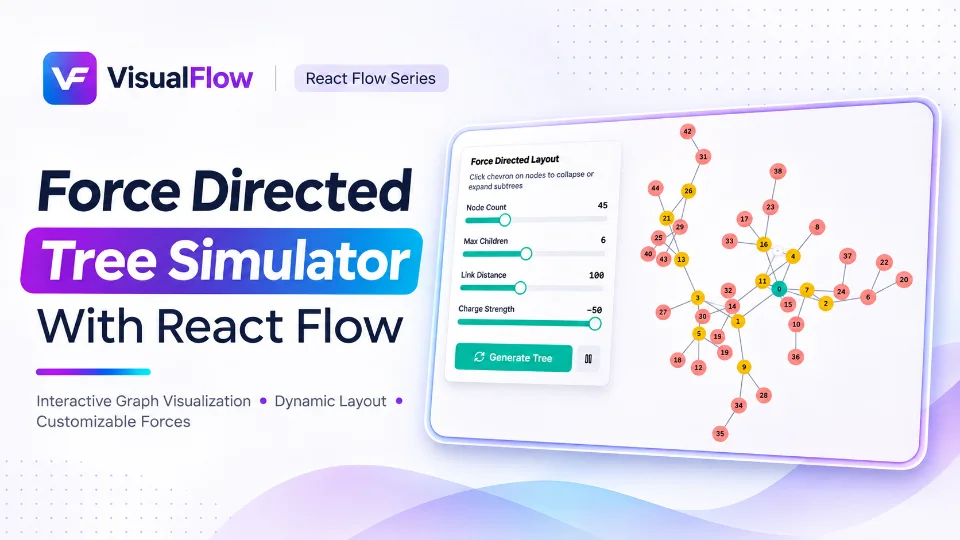
React flow Force Directed Tree Simulator
A force-directed layout is a graph visualization technique that uses simulated physical forces to determine the position of nodes.
HexaFlow Board is a unique React Flow example that transforms a traditional node-based canvas into a visually engaging hexagonal grid. Designed for developers, designers, and creative thinkers, this interactive canvas combines the flexibility of React Flow with the geometric beauty of hexagonal layouts.
HexaFlow Board is a unique React Flow example that transforms a traditional node-based canvas into a visually engaging hexagonal grid. Designed for developers, designers, and creative thinkers, this interactive canvas combines the flexibility of React Flow with the geometric beauty of hexagonal layouts.
With custom hexagon-shaped nodes, structured grid positioning, and an intuitive drag-and-drop interface, HexaFlow Board makes it easier to create visually rich diagrams, interactive game boards, workflow visualizations, and connected data maps.
Whether you're building a strategy game, a visual planning tool, or an interactive diagram editor, HexaFlow Board provides a creative foundation for exploring new possibilities with React Flow.
The canvas features a seamless hexagonal grid that creates a structured yet flexible environment for organizing nodes. Unlike traditional rectangular grids, hexagonal layouts offer more natural spatial relationships and multiple directions for connections.
This makes HexaFlow Board particularly useful for strategy games, network visualization, and spatial planning applications.
Each node is designed with a distinctive hexagonal shape using custom styling and geometry. Nodes can display labels, icons, interactive controls, and additional information while maintaining a consistent visual structure.
Developers can customize node appearance, dimensions, colors, and interaction behaviors to match their application requirements.
Move nodes around the canvas using an intuitive drag-and-drop interaction. The flexible positioning system makes it easy to rearrange elements, experiment with different layouts, and build diagrams dynamically.
The snap-to-grid feature helps maintain alignment when positioning nodes. This ensures that hexagonal elements remain visually organized and consistently positioned across the canvas.
It is especially useful when creating structured game maps, visual editors, and complex interconnected diagrams.
Connect hexagonal nodes using React Flow edges to represent relationships, transitions, and directional paths.
These connections can be customized with different edge types, arrowheads, and styling options to communicate relationships more effectively.
HexaFlow Board includes canvas controls that allow users to adjust snapping and shadow effects for a more personalized editing experience.
These small but meaningful interactions help create a polished and engaging visual editor.
Create tactical maps and turn-based game environments where each hexagon represents a territory, location, or playable unit.
Visualize interconnected systems, relationships, dependencies, and complex networks using a structured hexagonal layout.
Build creative workflow diagrams where each hexagonal node represents a task, decision, or process stage.
Develop planning applications for project management, resource allocation, and strategic decision-making.
Organize learning concepts, ideas, and interconnected information through an intuitive spatial visualization system.
HexaFlow Board demonstrates how React Flow can be extended beyond traditional rectangular nodes to create highly customized visual experiences.
By combining custom node components, CSS-based hexagonal shapes, connection handles, and interactive canvas controls, developers can build specialized diagramming applications while leveraging React Flow's powerful node-based architecture.
The example also highlights how thoughtful UI design can transform a familiar canvas into something visually distinctive and functionally engaging.
If you're looking for inspiration to build a custom React Flow application, HexaFlow Board offers an excellent starting point.
It demonstrates how to:
React Flow HexaFlow Board is more than just a hexagonal diagram editor. It is an exploration of how custom geometry, interactive canvas controls, and flexible node-based architecture can come together to create engaging visual applications.
Whether you're experimenting with hexagonal game mechanics, designing interactive maps, or developing a specialized diagram editor, HexaFlow Board provides inspiration and practical ideas for building your next React Flow project.
Explore the example, experiment with its features, and discover new ways to transform your ideas into interactive visual experiences.
HexaFlow Board is a unique React Flow example that transforms a traditional node-based canvas into a visually engaging hexagonal grid. Designed for developers, designers, and creative thinkers, this interactive canvas combines the flexibility of React Flow with the geometric beauty of hexagonal layouts.
Get the Complete Source Code
Explore the implementation, customize the components, and use the example as a foundation for your next project.
Data Visualization
A force-directed layout is a graph visualization technique that uses simulated physical forces to determine the position of nodes.
Data Visualization
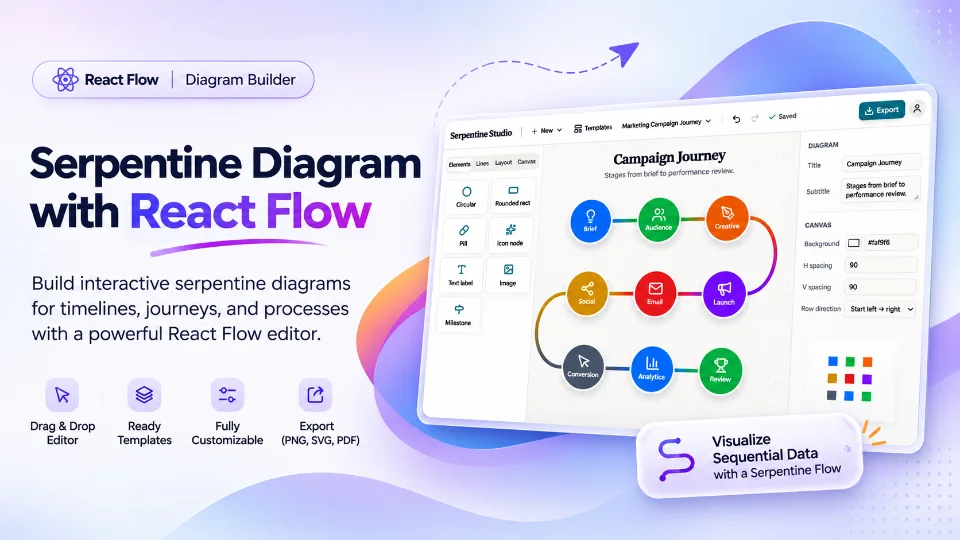
Data visualization is no longer just about displaying information through charts, tables, and traditional flowcharts. As applications become more interactive and datasets become increasingly complex, developers and designers need better ways to organize information and communicate relationships visually.
Data Visualization
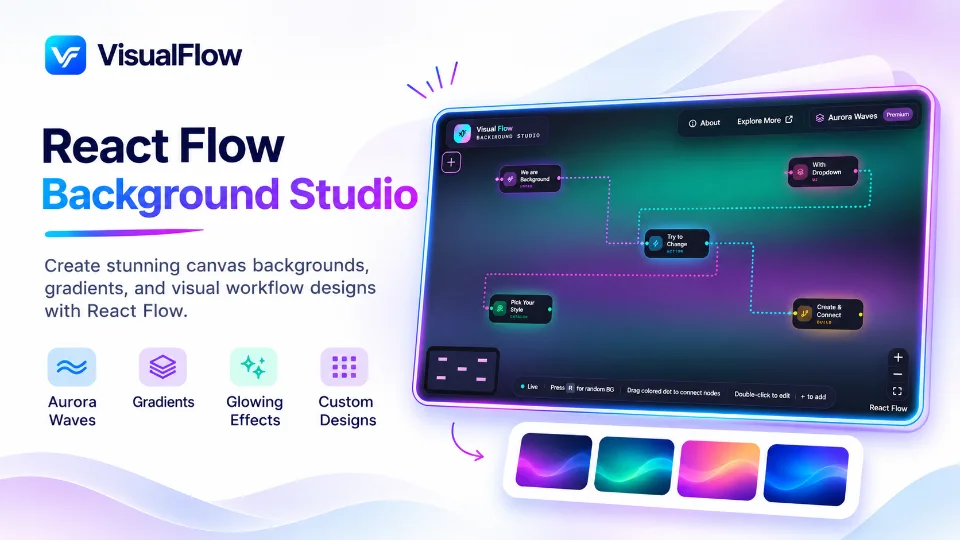
Background Studio explores how developers can move beyond traditional white or plain grid backgrounds and experiment with modern visual styles, including gradient backgrounds, aurora-inspired effects, dark backgrounds, colorful lighting, and atmospheric canvas designs.
Explore production-ready React Flow examples and accelerate your development process.